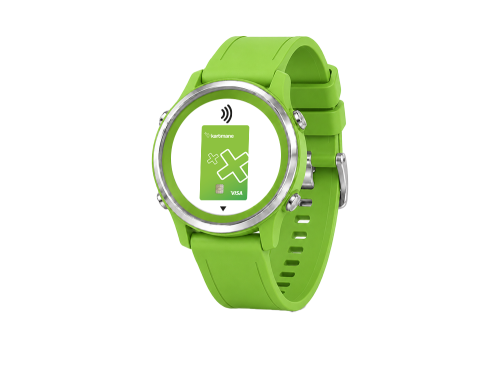


Rabitabank brings Garmin Pay to customers!

To use Garmin Pay, you need:

How to add the watch to the mobile app?

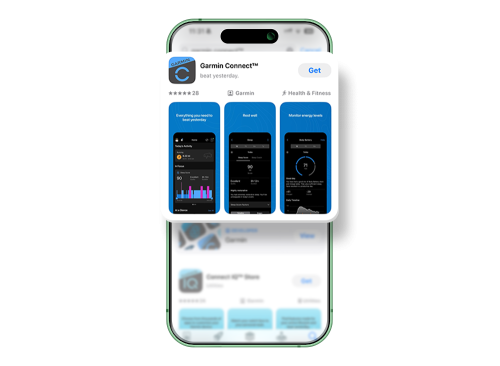
  • Download the Garmin Connect app from the App Store or Google Play Store.
  • Pair your watch with the Garmin Connect app.
  • Open the Garmin Pay section in the app.
  • Select Create Wallet and complete the process.
How to add a card for Garmin Pay?

How to add a card to Garmin Pay?


  • Open the Garmin Connect app and go to Garmin Pay → Add Card.
  • Enter your card details: card number, expiry date, and CVV.
  • Confirm the card addition process.


What is the card verification method?

  • With the SMS confirmation code sent by the bank
  • With push notification confirmation through the mobile banking app

How to make a payment with a watch using Garmin Pay?

  • Open Garmin Pay Wallet on your watch.
  • If required, enter the Garmin Pay PIN code you set on your watch.
  • Hold your watch close to the contactless NFC payment terminal.
  • Wait for a few seconds.
  • Your watch will confirm the transaction with a vibration or signal.
  • The terminal will show that the payment has been completed successfully.